Free Online AI Background Remover, Compress, Resize & Crop Images
A collection of fast, powerful, and intuitive online image tools for everyday tasks. Remove backgrounds with AI, compress, resize, crop images, and extract frames from videos.
Process multiple images at once. Professionally designed UI for effortless editing, working smoothly in mobile browsers on iPhone and Android. Supports JPG, PNG, WebP, AVIF, and HEIC. Secure, privacy-friendly, and ad-free.




Free AI Background remover
Automatically erase backgrounds from your photos in seconds with our advanced AI background remover. Select up to 20 files for fast batch processing, choose transparent or custom color backgrounds, and save high-quality results instantly.
Open Background removerExtract images from video
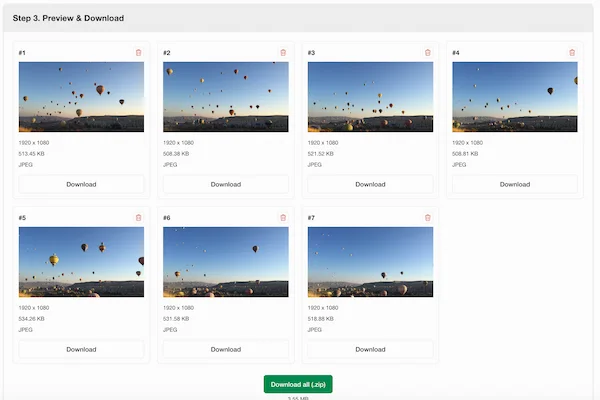
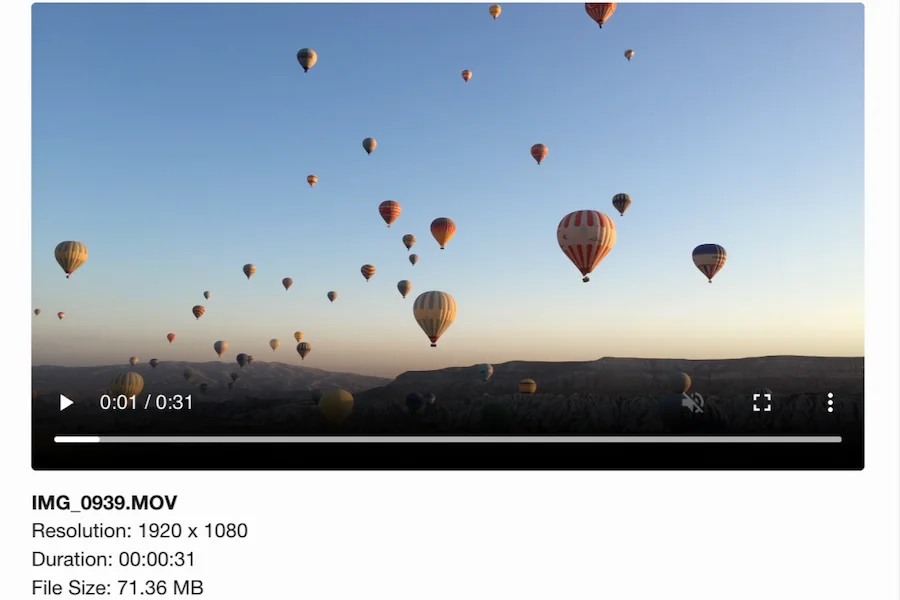
Browse video frames, select the moments you want, and export them as high-quality images directly in your browser. Perfect for wallpapers, reference images, and high-resolution stills.
Open Video Frame Extractor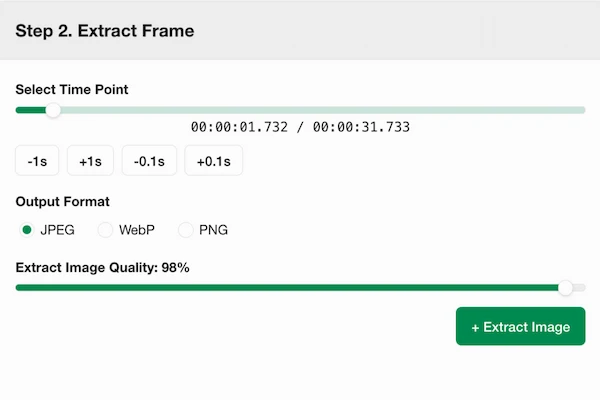
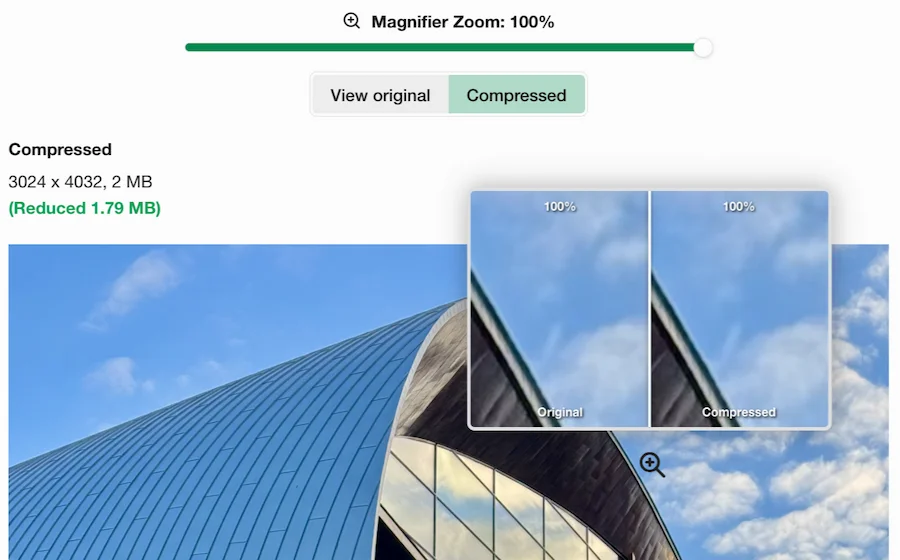
Compress with Precision
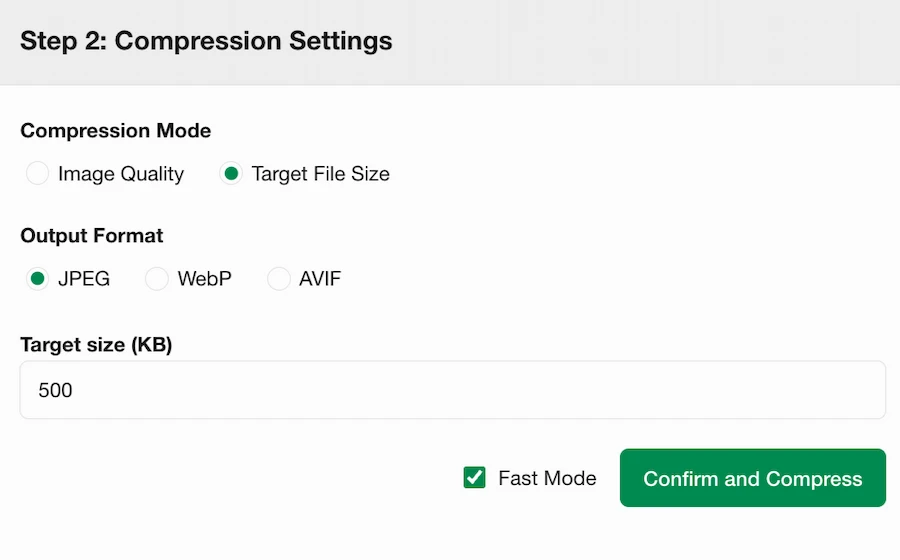
Set a quality level or exact target file size, choose your output format, and switch between fast or standard compression modes. Preview changes instantly while adjusting settings.
Crop Images Precisely
Set exact crop dimensions or scale by percentage, then zoom and drag your image to adjust the crop area. Batch mode supports automatic center cropping for fast processing.
Open Image Crop Tool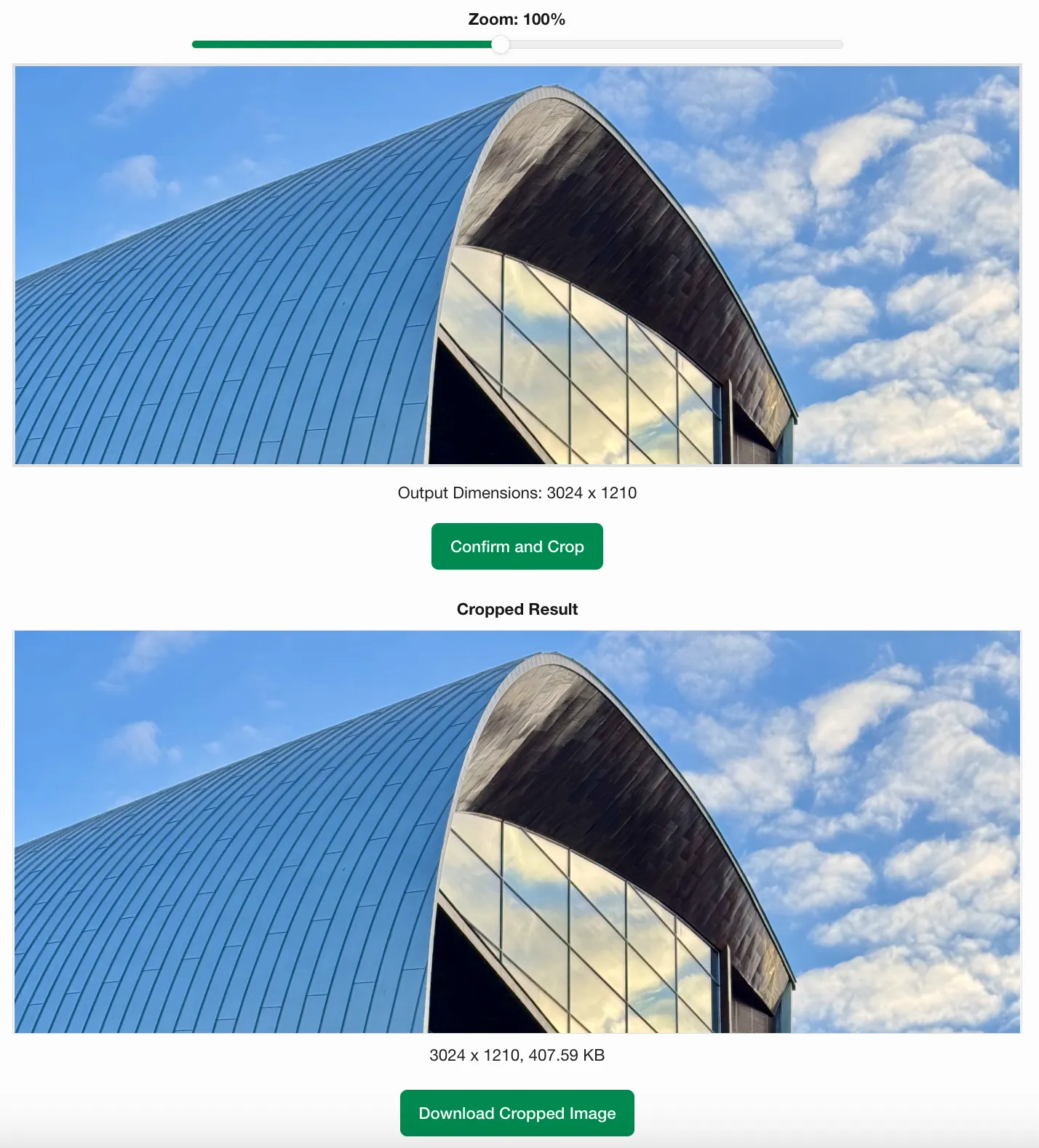


Resize Images Flexibly
Resize images by setting a maximum width and height or scaling by percentage, with full support for bulk resizing multiple photos in one batch.
Open Image Resizer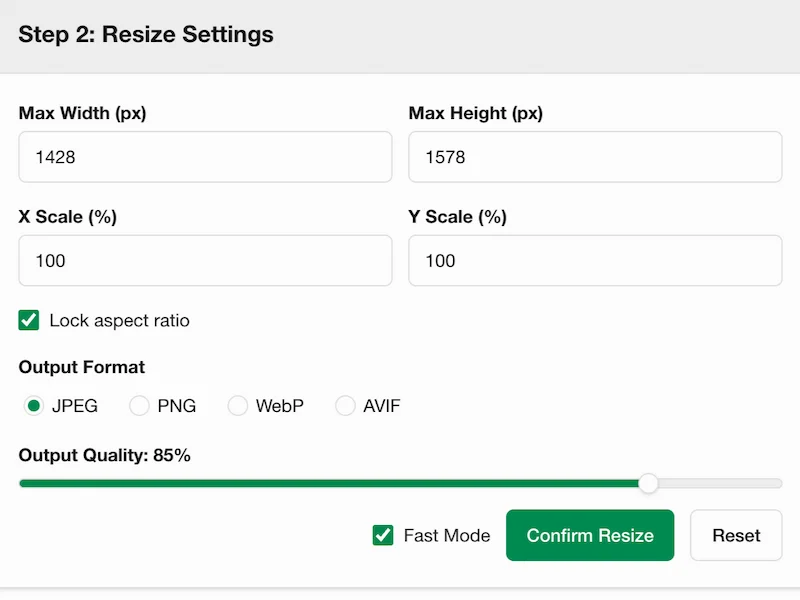
Single image mode settings
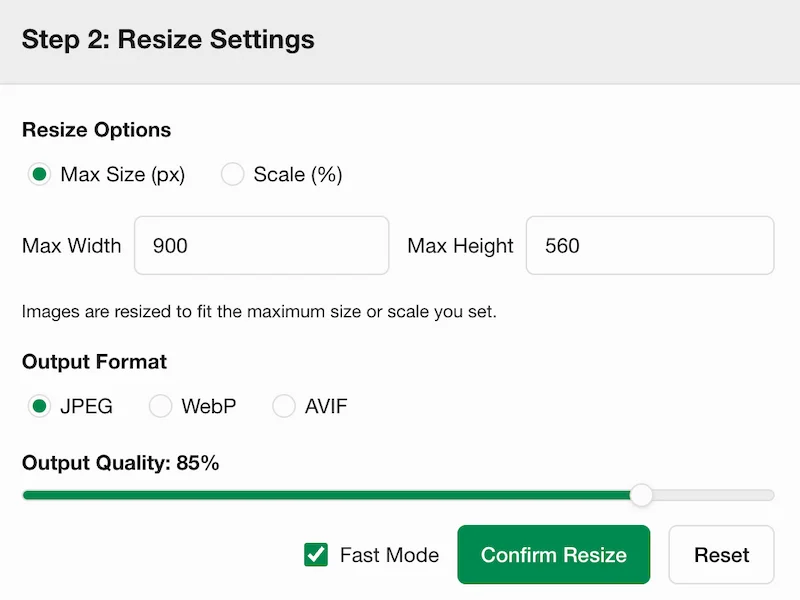
Batch mode settings
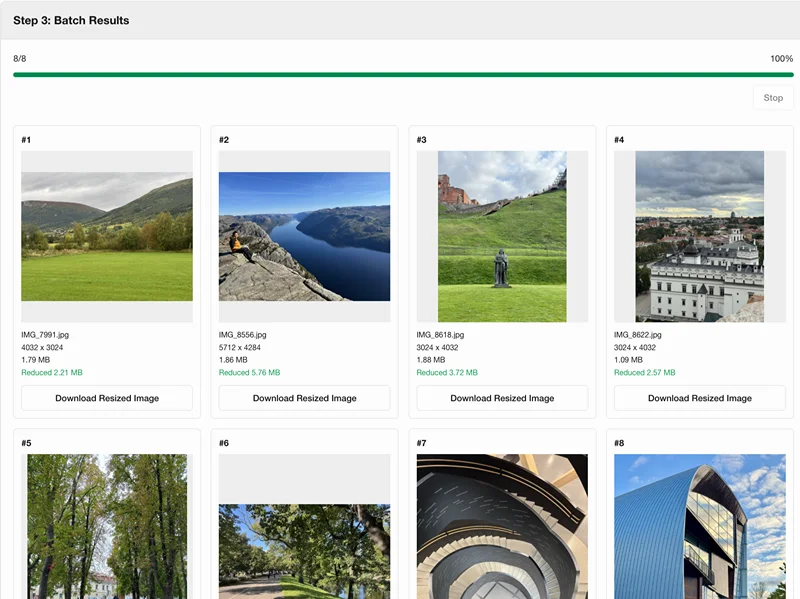
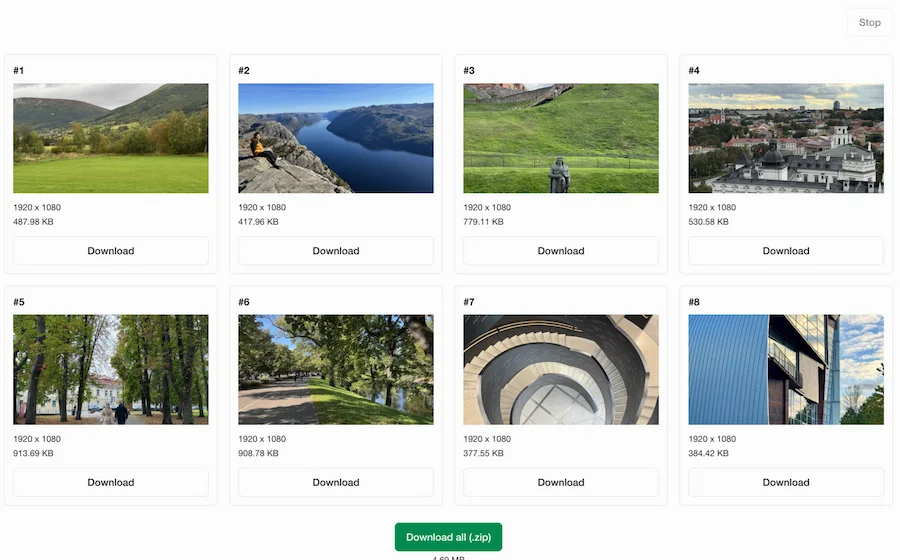
Batch resize results
Frequently Asked Questions
What does Pixabc.com provide?
Pixabc.com provides browser-based tools for core image workflows, including Image Compressor, Image Cropper, Image Resizer, and Video Frame Extractor. The platform is built to offer fast, practical media processing.
How does this tool protect my privacy?
All image and video processing executes locally within your web browser. Your files are never sent to a server, ensuring complete privacy and data security.
Why does image processing execute directly in the browser?
Modern web browsers include built-in media decoding, canvas rendering, and file export capabilities. By utilizing these browser-native APIs, the tools process your files directly on your device, ensuring speed, security, and zero server usage.
How can I use this tool on iPhone or Android devices?
Open the website in any modern mobile browser on iOS or Android (such as Safari or Chrome). You can perform all core actions like compression, cropping, resizing, and video extraction directly on your phone and save the results to your local storage.
Why does background removal require server processing while other tools execute locally?
While tools like image compression, resizing, and video extraction can execute in your browser using local HTML5 APIs, high-precision background removal requires heavy AI neural networks. Processing these large AI models locally in a web browser would consume excessive device memory and crash on mobile. Therefore, files are temporarily uploaded, processed on our dedicated servers, and completely deleted within 1 hour to keep processing fast and light for all devices.
What is an image converter, and when should I use it?
An image converter changes a photo from one file format to another—such as HEIC to JPG, PNG to WebP, or JPG to PNG—without necessarily resizing or cropping. Use it when a website, email client, or app rejects your current format, or when you need JPG, PNG, or WebP for compatibility and file size.
How can extracted video frames help websites and ecommerce content?
Extracted frames can become product demo thumbnails, tutorial images, documentation screenshots, blog visuals, Shopify media, or ecommerce product story assets. Pixabc.com helps turn useful moments from video into lightweight image files for publishing.